

Bezmaksas Linksys lietošanas instrukcijas – lasiet, lejupielādējiet un drukājiet
12 Rokasgrāmatas
Rokasgrāmatas
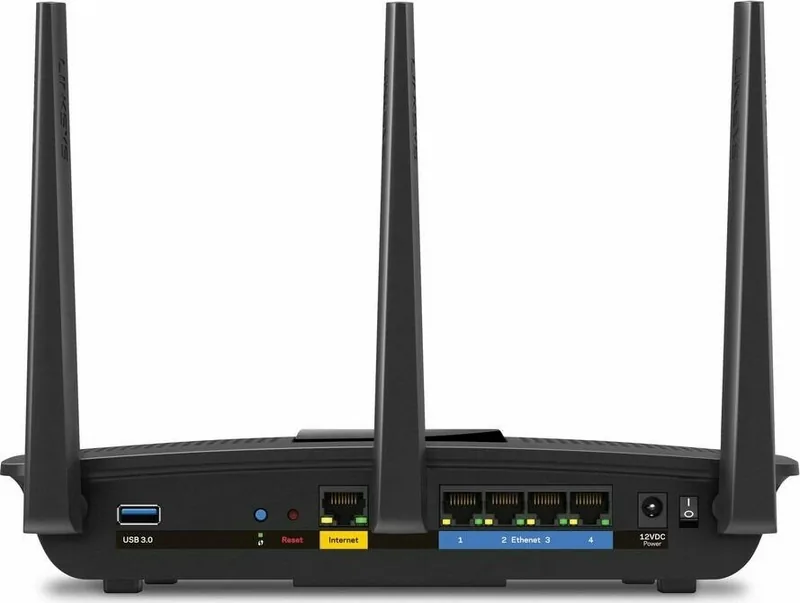
745 lapas
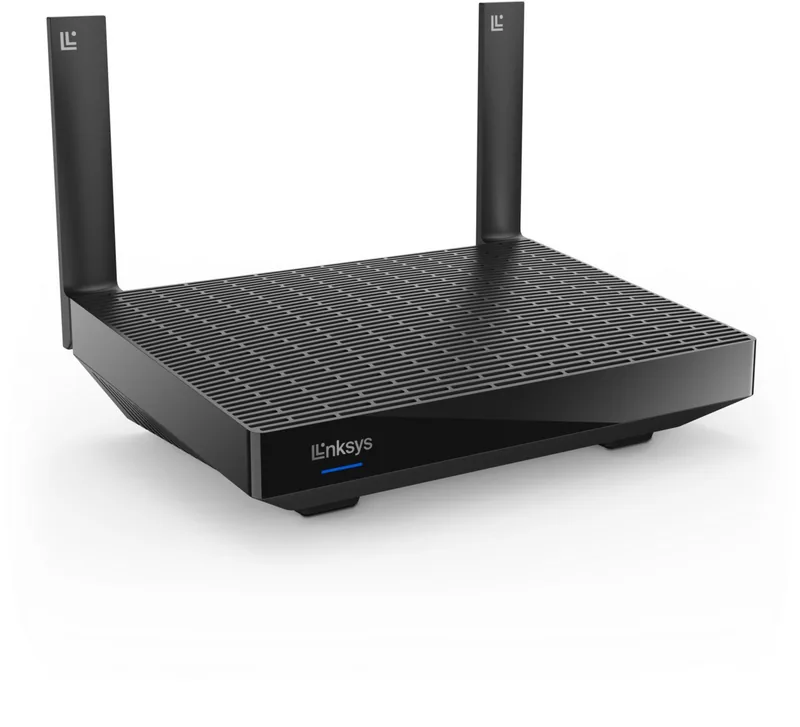
848 lapas
1183 lapas
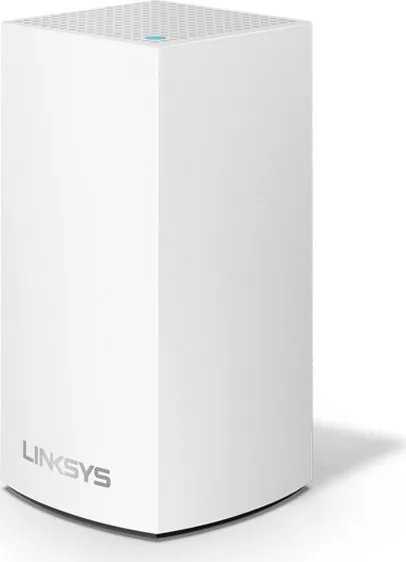
1224 lapas
1180 lapas
1258 lapas
1317 lapas
1220 lapas

1161 lapas
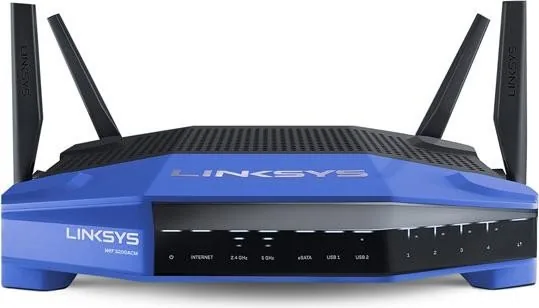
877 lapas
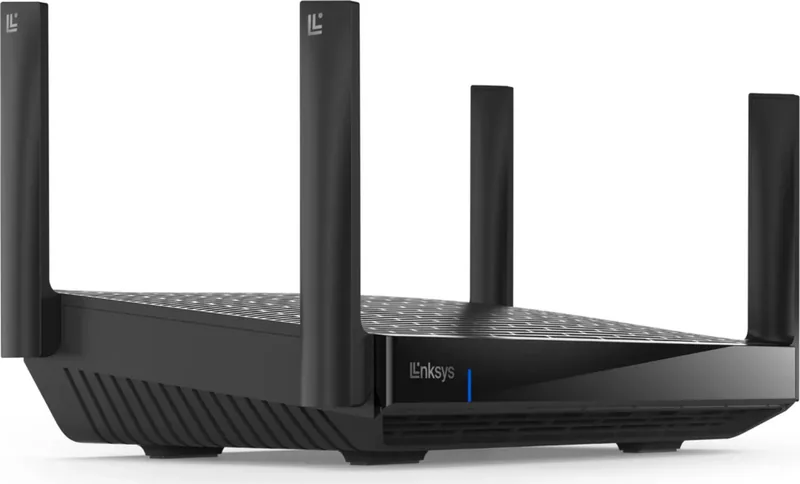
1228 lapas
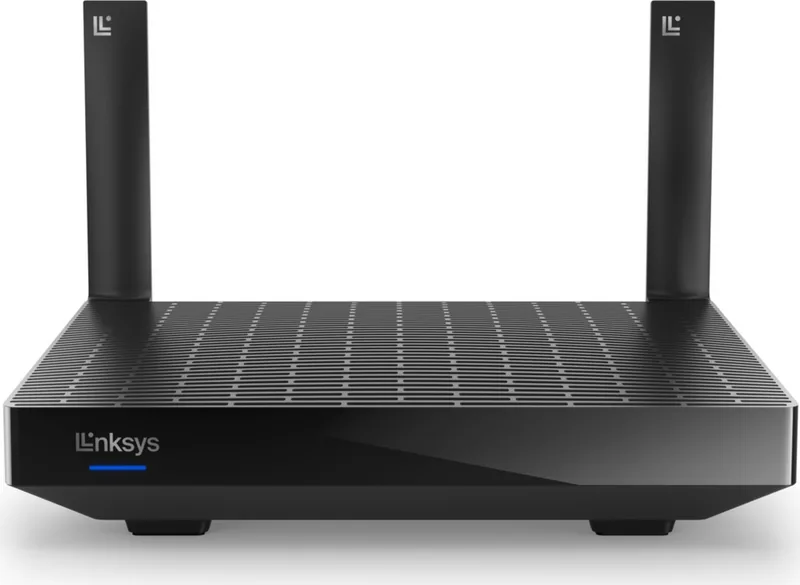
1208 lapas
Kategorijas

Linksys Manuals
Overview
Linksys manuals are comprehensive guides provided by Linksys, a well-known manufacturer of networking equipment such as routers, range extenders, network switches, and wireless access points. These manuals serve as the primary documentation for setting up, configuring, troubleshooting, and maintaining Linksys devices. They are tailored to both novice users who need step-by-step setup instructions and experienced network administrators seeking advanced configuration options and firmware updates.
Linksys manuals typically include hardware specifications, package contents, safety and regulatory information, detailed setup procedures, and instructions for accessing the device’s web-based or app-based management interface. Many manuals also contain practical troubleshooting tips, LED indicator explanations, and examples of common network topologies and use cases.
Types of Manuals
Quick Start Guides
Quick start guides are concise documents intended to get a device up and running rapidly. They provide essential steps: unpacking, connecting hardware, powering on, basic configuration (such as setting an admin password and connecting to the internet), and initial wireless settings. These guides are ideal for users who want to quickly deploy a device without diving into in-depth features.
User Guides and Manuals
User guides are the most detailed type of documentation and cover all aspects of a device’s capabilities. They include extensive setup procedures, step-by-step instructions for configuring wireless networks, security settings (WPA/WPA2/WPA3), guest networks, parental controls, Quality of Service (QoS), port forwarding, VPN settings, and advanced wireless options like channel selection and transmit power adjustments. User manuals also detail the web interface layout or mobile app controls, explaining each menu, option, and their practical uses.
Installation Manuals
Installation manuals focus on physical installation, mounting (wall or ceiling), cable management, and power considerations. For enterprise or prosumer products, these manuals often include rack-mount instructions, grounding requirements, and environmental operating conditions (temperature, humidity, and ventilation recommendations).
Admin and Advanced Configuration Guides
For business and advanced home users, Linksys provides admin and advanced configuration guides that dive into complex networking topics. These manuals explain VLAN setup, multi-SSID configuration, enterprise authentication methods (RADIUS, 802.1X), link aggregation, static routing, dynamic routing protocols (such as OSPF or RIP if supported), and advanced firewall rules. They are targeted at IT professionals who need to integrate Linksys hardware into more sophisticated network environments.
Firmware Release Notes and Upgrade Instructions
Firmware documentation includes release notes detailing new features, bug fixes, and security patches. Upgrade instructions explain how to back up current settings, safely update firmware through the web interface or TFTP (if applicable), and how to recover from failed updates. These sections emphasize the importance of using the correct firmware for the specific model and hardware revision.
Troubleshooting and FAQs
Troubleshooting sections provide diagnostic steps for common problems such as no internet connection, intermittent Wi‑Fi, poor wireless range, and device overheating. They explain LED indicator meanings, reset procedures (soft reset vs factory reset), and how to collect logs for technical support. FAQs address typical user questions and clarify common misconceptions about networking terms and features.
Common Sections Found in Linksys Manuals
Product Overview and Specifications
This section provides a technical snapshot: processor type, memory, supported wireless standards (802.11a/b/g/n/ac/ax), maximum theoretical throughput, number and type of Ethernet ports (Gigabit, PoE), USB ports, and antenna information. It helps buyers and installers verify device capabilities and compatibility.
Unboxing and Package Contents
A checklist of what should be included in the box: the router or access point, power adapter, Ethernet cable, mounting hardware, quick start guide, and warranty information. This ensures users have all necessary components before starting installation.
Physical Layout and LED Descriptions
Detailed diagrams show the location of ports, buttons (reset, WPS), and LED indicators, with explanations of each LED’s states (solid, blinking, off) and what they signify about the device’s status.
Initial Setup
Step-by-step instructions to connect the device to a modem, set up a secure admin password, configure an internet connection type (DHCP, static IP, PPPoE), and create or change Wi‑Fi SSIDs and passphrases. This section often includes screenshots of the web interface or mobile app for guided configuration.
Wireless and Security Settings
Information about wireless encryption options (WEP, WPA, WPA2, WPA3), SSID broadcasting, MAC address filtering, and guest network setup. Best practices are often suggested: use WPA2 or WPA3, choose a strong passphrase, and avoid WEP due to its vulnerabilities.
Connectivity and Network Management
Instructions for LAN and WAN settings, DHCP server configuration, static IP assignment, port forwarding, UPnP, DMZ setup, and IPv6 support. Managed switches and business devices might include VLAN tagging, PoE management, and monitoring features.
Advanced Features
Sections on VPN configuration (site-to-site, client-to-site), QoS rules for prioritizing traffic, parental controls and content filtering, traffic monitoring and bandwidth usage, and cloud management features (where supported). Some devices offer integration with Linksys cloud services or mobile apps for remote management.
Maintenance and Safety
Guidance on routine maintenance such as firmware updates, configuration backups, and safe disposal instructions. Safety information covers electrical safety, environmental considerations, and regulatory compliance statements (FCC, CE).
How to Use Linksys Manuals Effectively
- Follow the quick start guide for initial setup to avoid common pitfalls, then consult the full user manual for advanced customization.
- Keep a backup of the device configuration before performing firmware upgrades or major changes.
- Refer to LED and status indicator sections when diagnosing connectivity issues; these often provide the fastest clues to the problem.
- Use the troubleshooting and FAQ sections before contacting support—many common issues have documented fixes.
- Note model numbers and hardware revisions when downloading firmware or consulting compatibility tables to avoid applying incorrect updates.
Where to Find Linksys Manuals
Linksys manuals are available on the official Linksys support website, usually listed on each product’s support page. Manuals can be provided in multiple formats (PDF, HTML) and languages. Third-party sites and tech forums sometimes host user-contributed guides and annotated walkthroughs that complement official documentation, but official manuals remain the authoritative source for accurate specifications and firmware links.
Benefits of Using Official Linksys Manuals
- Accurate device-specific instructions and safety information.
- Official firmware links and known-release notes to ensure secure, stable operation.
- Manufacturer-recommended configuration steps that preserve warranty conditions.
- Detailed diagrams and interface screenshots that reduce setup time and troubleshooting effort.
Common Limitations and Caveats
While Linksys manuals are comprehensive, they can sometimes be dense for absolute beginners. Firmware interfaces change over time, so screenshots or exact menu paths in older manuals may differ from the current firmware version. For cutting-edge features or community-driven custom firmware (such as OpenWrt or DD-WRT), users may need to consult supplemental community resources.
Tips for Troubleshooting Using the Manual
- Confirm physical connections and power first, then check LED status against the manual.
- Reboot modem and router sequentially (modem first, then router) as described in many guides.
- Use factory reset instructions from the manual only when necessary; saving and restoring configuration files is safer when making multiple changes.
- Collect logs and export configuration files when preparing to contact Linksys support; manuals often describe how to perform these steps.
Conclusion
Linksys manuals are essential resources for setup, configuration, and troubleshooting of Linksys networking hardware. They cater to a broad audience—from beginners seeking quick start instructions to IT professionals requiring advanced configuration details. For accurate, model-specific guidance including firmware updates, safety information, and detailed troubleshooting steps, the official Linksys manual for your device model is the best first reference.
Meklēt: 67 706 Rokasgrāmatas tiešsaistē


Ievadiet zīmolu vai modeli